ClankWorld supports connecting your own proxy so you can use any model for your chats. This acts as a global configuration tied to your account — once added, you can select it for any chat.
Supported Proxies
Adding a Proxy
Editing a Proxy
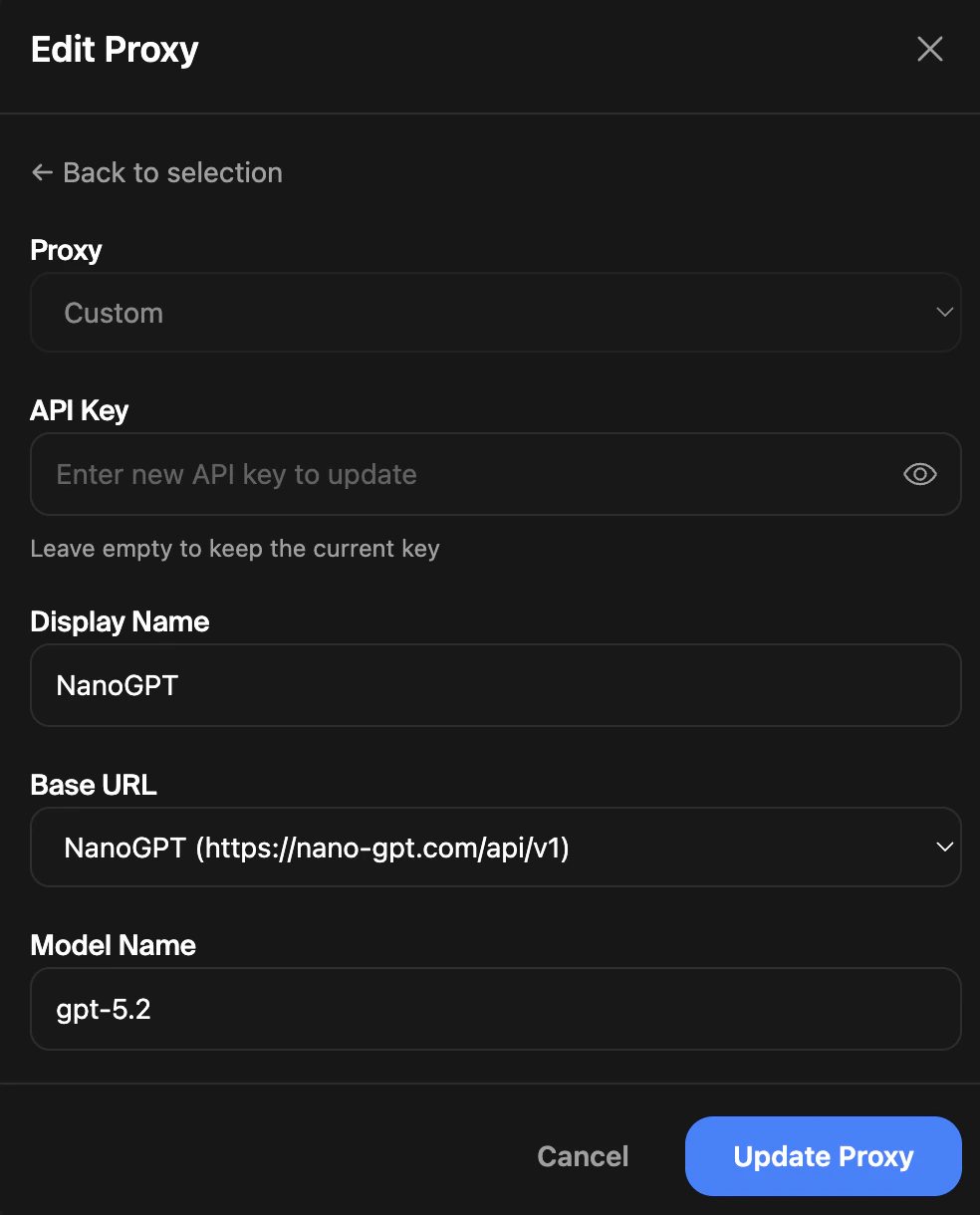
From the proxy selection list, click the pencil icon next to any saved proxy to update its configuration. You can change the base URL, model, display name, or temperature. Leave the API key field empty to keep the current key, or enter a new one to replace it.
Removing a Proxy
To stop using a custom proxy for a chat, open the Proxy modal and select ClankWorld Default, then click Save. This resets the chat to use the platform’s default model.
Your saved proxy configurations remain on your account even when individual chats are reset to the default. You can re-select them at any time.